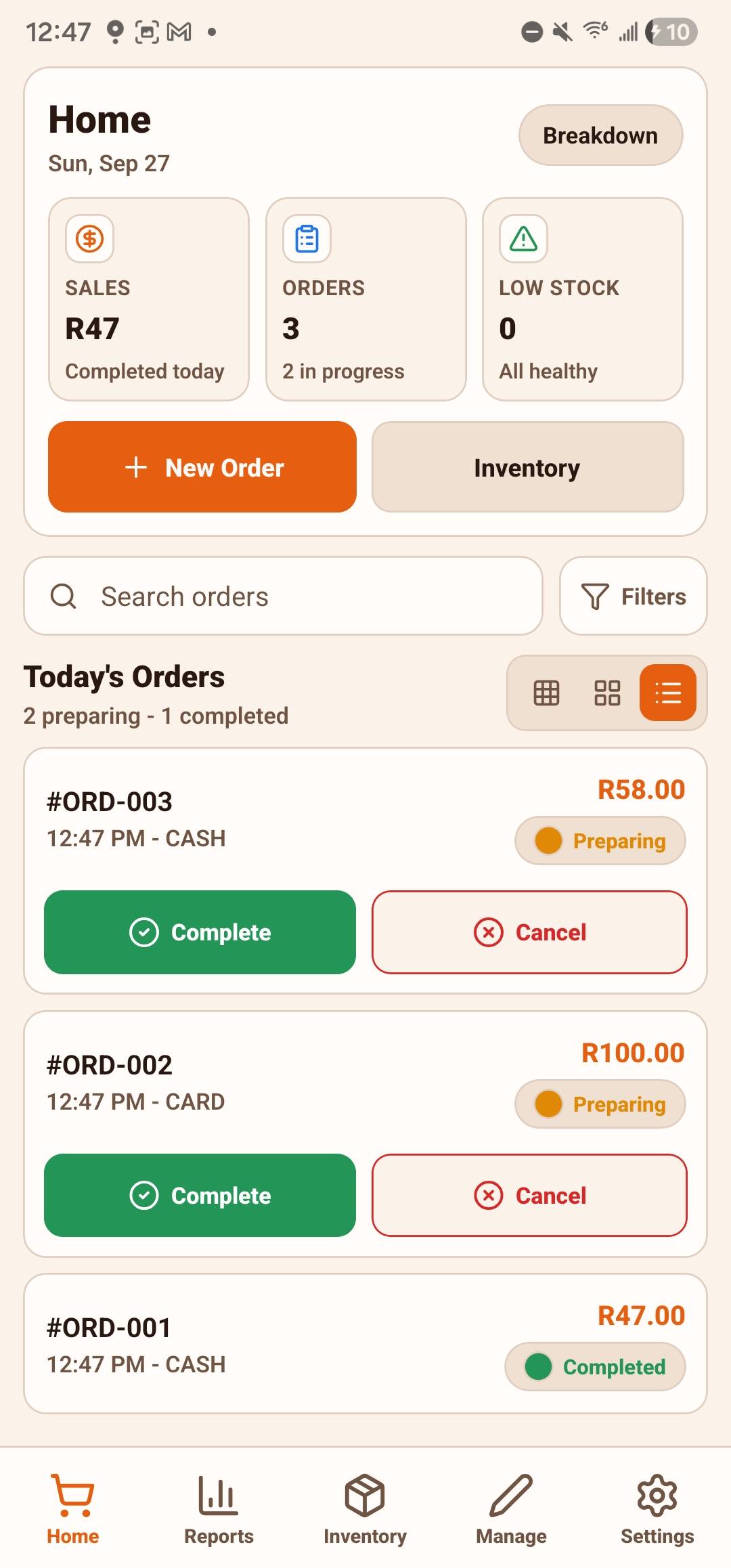
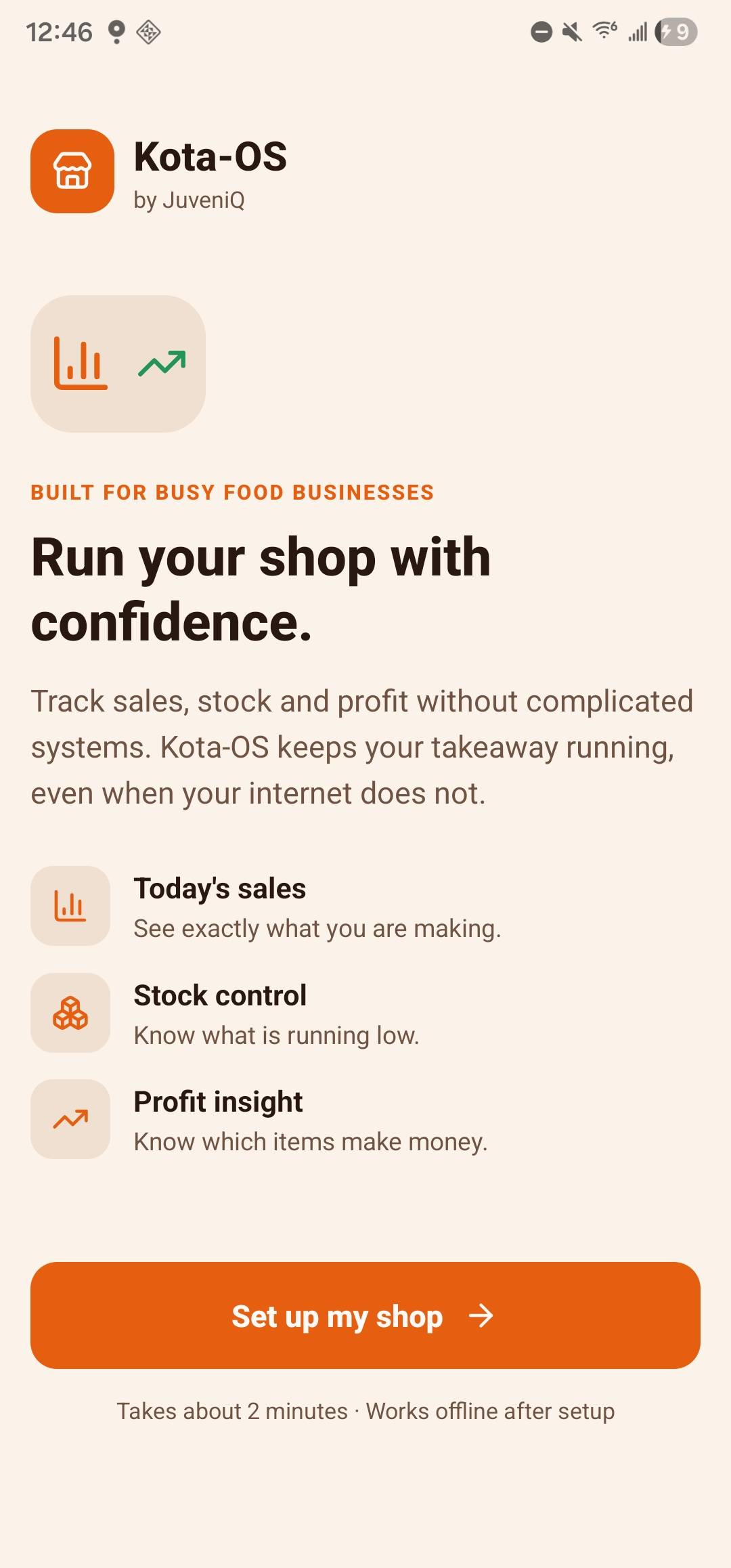
Keep selling even when connectivity is unreliable.
Account Protection
Verified sign-in and device limits protect access to your shop.
Get Started in Minutes
No server setup and no complex configuration. Install and start.
Export Anytime
Generate polished PDF reports with clear metrics and breakdowns.
One Shop Device
Keep one operating device for your shop and export a backup after each service.
Work Through Outages
Keep recording sales locally and export a backup regularly.
Frequently Asked Questions
Core sales and stock workflows keep working offline after setup. Registration, billing and any cloud transfer need a connection.
Your 14-day trial starts at account registration. Plans are shown in the app before purchase; the available payment method depends on your installation channel.
Use the owner's signed-in session on one shop device. Separate staff permissions are not available yet; keep settings and reset actions under the owner's supervision.
Export a backup regularly. Replacing a lost device cannot recover unsynced local records without a saved backup.
The app has a 14-day trial. The first 10 eligible customers can access Early Adopter pricing of R25 weekly, R89 monthly or R890 yearly. Standard pricing is R45 weekly, R165 monthly or R1,650 yearly.
One verified account can link up to three active devices, but shop data does not sync between them. Use one operating device per shop and keep a business backup. If you need another account slot, request it from support in the app.
Yes. Kota-OS v1.0.5 can print receipts for completed sales, including shop details, purchased items, customizations, payment information and totals.
No. Export a business backup from Settings after each service and save it outside the device. A backup replaces records on restore; it does not merge sales across devices.
Contact support@juveniq.co.za or use the WhatsApp link on this site for installation, backup and account help.
Ready to Transform Your Business?
Join the fast-food vendors simplifying their operations with Kota-OS.